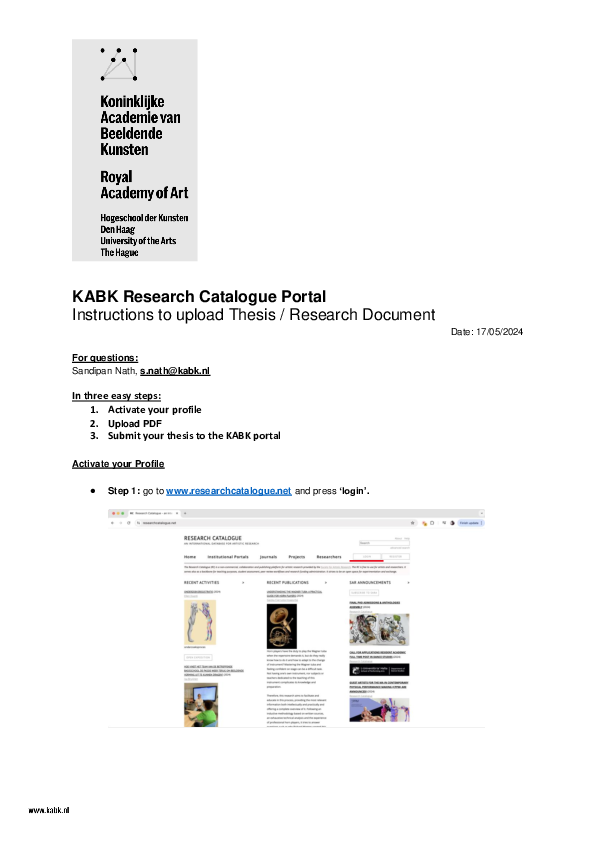
To activate your account, click here. Use your KABK email address and make a new password. Doesn't work? Contact Sandipan Nath.
If you only have a PDF,
- Go to your profile.
- Click “create exposition”
- Choose “text based editor”
- Choose “standard PDF template”
- You will now provide metadata like title, abstract and keywords. I want to emphasize using four to five keywords. The first keyword should be your standardized department name and other keywords could reflect the themes, methodologies, and other associations of your research document. This is crucial for accessibility and searchability of your research in the KABK Thesis Archive. So don’t forget to add them!
- Follow the instructions in the editor to upload your PDF.
To submit:
From your profile page, on the exposition choose ☰ -> “submit for review”, choose “KC Research Portal”. If it has status “in review”, this means it has been received. If you want to also upload media files or use the extended possibilities of the RC, I refer to the video tutorials and documentation. You can also book a session with me by sending an email. Sessions will be arranged on a first-come, first served basis.
Use the following standardized department names in the 'keywords' field:
- Master Interior Architecture (INSIDE)
- Master Industrial Design
- Master Photography & Society
- Master Artistic Research
- Master ArtScience
- Master Non Linear Narrative
- Master Type and Media
- Bachelor ArtScience
- Bachelor Fine Arts
- Bachelor Graphic Design
- Bachelor Interactive Media Design
- Bachelor Interior Architecture & Furniture Design
- Bachelor Photography
- Bachelor Textile & Fashion