RC Draw is a browser plugin developed by Daniele Pozzi of the RC Team.
It is a modified version of Jiru Gutema's Web Marker plugin which in turn is based on Fabric.js.
RC Draw activates itself automatically when you view a graphical page of which you are the author. It allows you to draw free lines, shapes and import them as Image Tool(s). Once you are done, you can import your shapes as vector graphics, in SVG format, which means they can be rescaled/stretched without loss of resolution. Although we have tested it quite a bit ourselves, we still consider it to be in beta, be sure to create a snapshot of your exposition before you start using it, and try it in an empty test exposition first.

Requirements
The plugin currently works only for the Firefox browser.
Installation
In Firefox, open this link:
Installation link for RC Draw Plugin
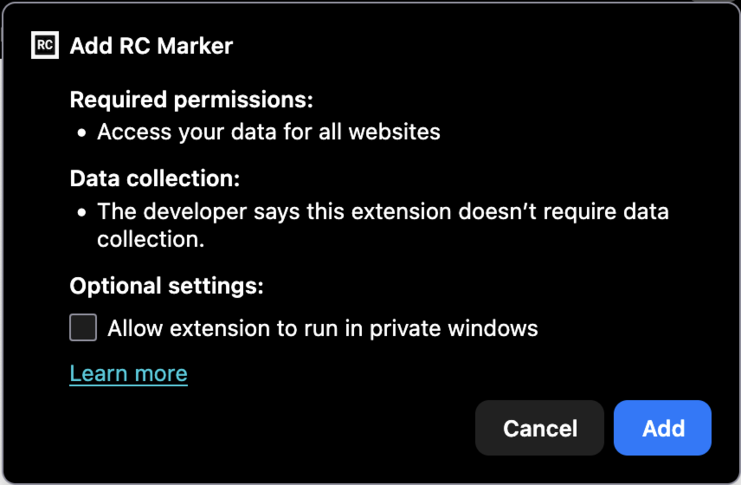
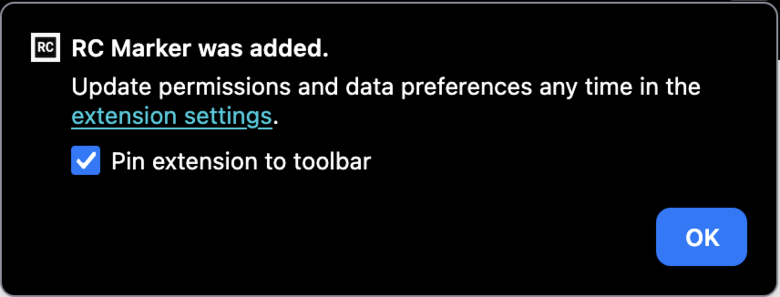
You should see the following messages:
Quirks
Please note that this is an experimental plugin. Some pitfals are:
- Really complicated shapes will slow loading your exposition down
- If you make a lot of new line segments, exporting the shape in bits will result in a very large number of tools, you may want to experiment with merging them.
- Shapes on top of audio, video or other interactive objects, will block interaction. You can use a sync tool to work around this.
Usage
The plugin automatically enables itself in the preview view of exposition. This is because we have found it is far more useful to draw shapes on top of the whole layout then in the smaller screen of the editor.
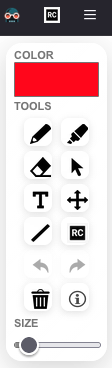
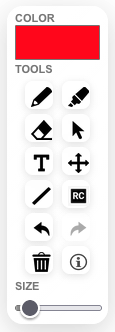
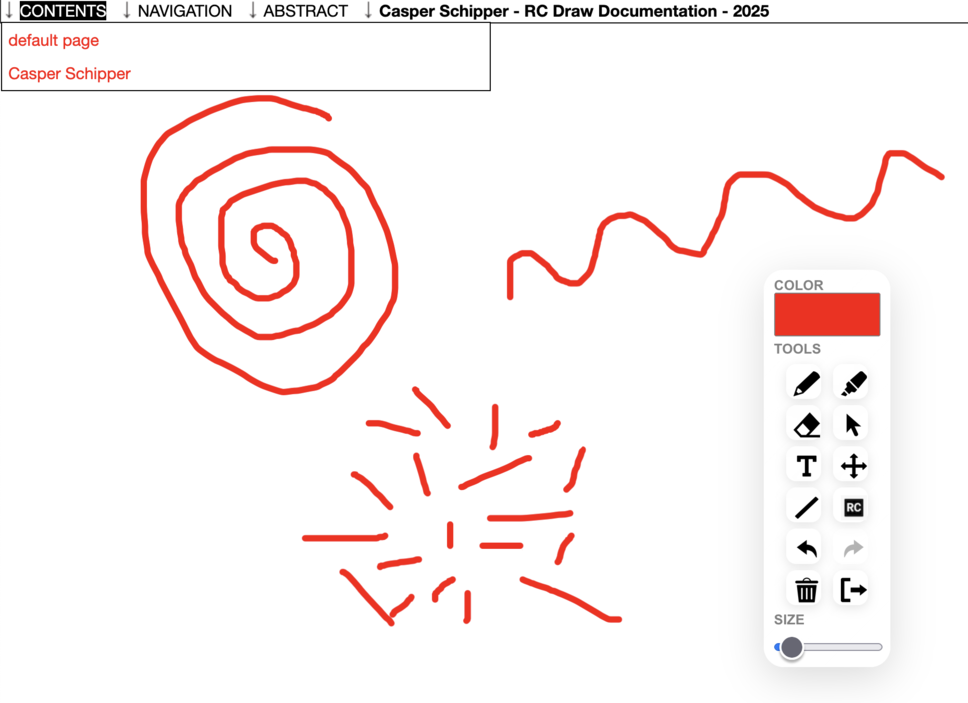
You can draw thin lines, use a marker, erase, move previous shapes, draw text. The [ RC ] button allows you to choose 3 methods to use the shapes:
- Download the SVG and process it outside of RC.
- Upload to the current Exposition as one tool for the whole drawing.
- Upload to the current Exposition Page as a tool for each shape.